Welcome to Clipora 👋
Turn your saved web pages into language learning materials
Clipora is a Read-Later + Language Learning Assistant.
It transforms your saved web pages, news articles, and blog posts
into translatable, audible, and bilingual learning materials—all in one tap.
🌍 What You Can Do with Clipora
- Immersive Reading — Extracts clean text from web pages for focused reading.
- Full-Text Translation — Supports 15 languages including Chinese, English, Japanese, Korean, German, French, and Spanish.
- Text-to-Speech — Read and listen at the same time to improve comprehension and pronunciation.
- Bilingual View — Read the original and translated text side by side to better understand context.
- Word Lookup & Vocabulary Book — Tap any word to see its definition, example sentences, and pronunciation.
💡 Try tapping “Translate” or “Read Aloud” to experience Clipora’s core features.
📚 Read Later & Build Your Knowledge Library
- Offline Reading — Access your saved content anytime, even on planes or trains.
- Tags & Categories — Organize your personal language-learning library.
- Full-Text Search — Quickly find any article you’ve saved before.
- Data Export — Export in multiple formats for backup or management.
🪄 How to Add Articles
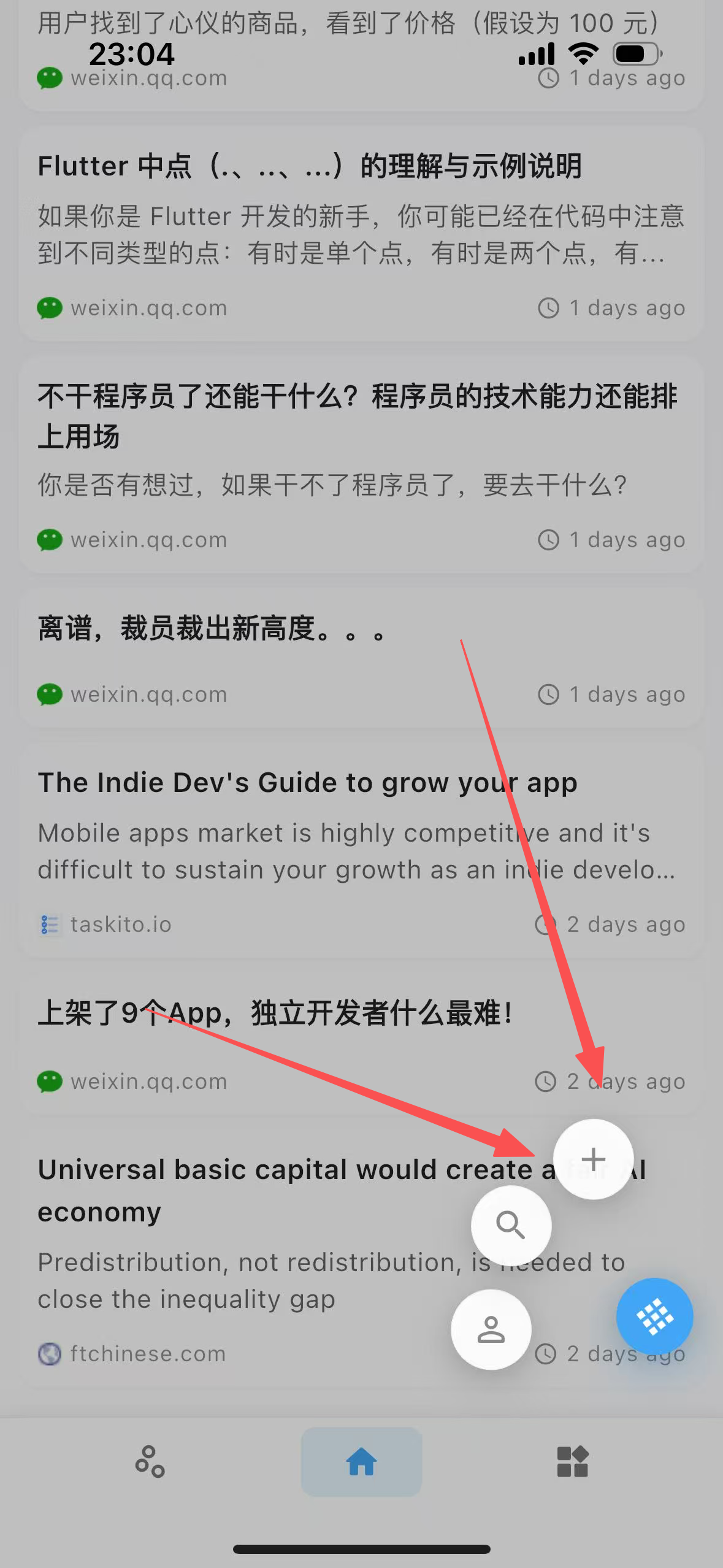
- Add web pages via your phone’s native Share menu;
- Copy a link — Clipora will detect and import it automatically;
- Use the browser extension to save web pages in one click.
🎯 Who Clipora Is For
- Learners who want to turn everyday reading into language practice;
- Readers looking to improve comprehension and listening skills;
- Knowledge seekers who organize and revisit valuable web content.
✅ Tips
- Try saving a web page and see how it becomes your personal language learning material.
- You can also enable Text-to-Speech or Bilingual View for an immersive learning experience.