🚀 Quick Start
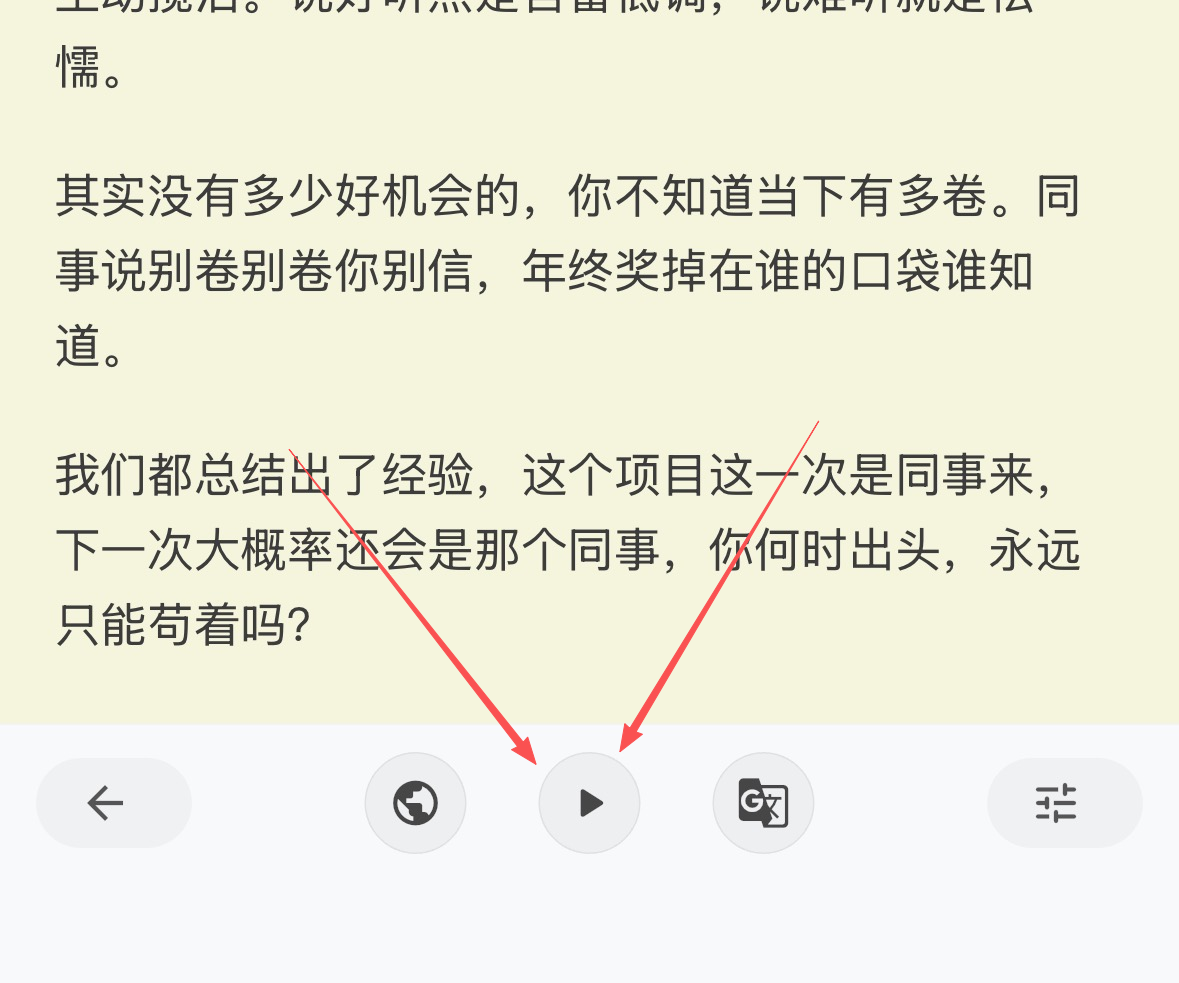
- Open the action bar at the bottom of the article page and tap
Voice Playback - First tap starts playback; tap again to stop
- A mini player appears during playback; tap it to open the full control panel
📖 Play Source and Translation
- Playback follows the current language view
- In Source view, it plays the source content; in Translation view, it plays the translation for that language
- To listen to English/Japanese translations, first use
AI Translateto generate and switch to that language, then tap play - Source playback language auto-matches your system language; translation playback uses the target language voice settings
🎛️ Playback Controls
Pause/ResumeplaybackSkip Back/Forwardby segment- Speed adjustment (0.5x–2.0x), applied after releasing the slider
- View the currently spoken text and overall progress
- The mini player shows current progress and speed, making it easy to glance and enter the control panel
🧠 Voice Types and Membership
- Non-members: uses system voice to read the full text with stable experience
- Members: unlock
Advanced Voice, cloud-generated segmented audio that sounds more natural - While Advanced Voice is being generated, the panel shows a notice; some segments may temporarily fall back to system voice
- In the player panel, tap
Unlock Advanced VoiceorTry Advancedto learn more and upgrade
❓ FAQ
FAQ
- Play button not visible: playback is unavailable until parsing finishes; try again later in
Reading View - Tap has no response: check network and volume; for very long articles, the first start prepares text and segments
- Playing source instead of translation: in the translation popup, tap
Viewto switch to the target language, then play - Speed not applied: release the speed slider to apply; if it still misbehaves, stop and start playback again
✅ Tips
Tips
- Prefer using with
Bilingual View: listen while reading both source and translation for better understanding - When learning English/Japanese, generate and switch to the translation first, then play, to match target-language listening practice
- For long articles, be patient during initial segment preparation; adjust to a comfortable speed as you go